Developer test assets

Sample HEIC files for real-world testing

Download privacy-safe HEIC and HEIF images built from real camera photos. Test file uploads, image decoders, orientation, conversion pipelines, MIME handling, and browser support.

CC0 public domainDirect downloadsSHA-256 checksumsNo signup

Does your browser support HEIC?

Checking browser support

Testing whether this browser can decode a real HEIC file.

Download individual HEIC test images

Each file uses an original camera photo that has been re-encoded to remove GPS, capture-time, and device metadata. The resulting fixtures are safe to reuse in public projects, demos, automated tests, and documentation.

JPEG preview of pampas grass HEIC test fileHEIC

Pampas grass

Fast upload tests and orientation handling

Dimensions
600 x 800
File size
34.7 KB
MIME type
image/heic
SHA-256
bb24331d3d5b7c54a4e98faf40fe465be524f83f841076c63b699c6a74fe67bf
curl -O https://crestconvert.com/test-files/heic/pampas-grass-small.heic
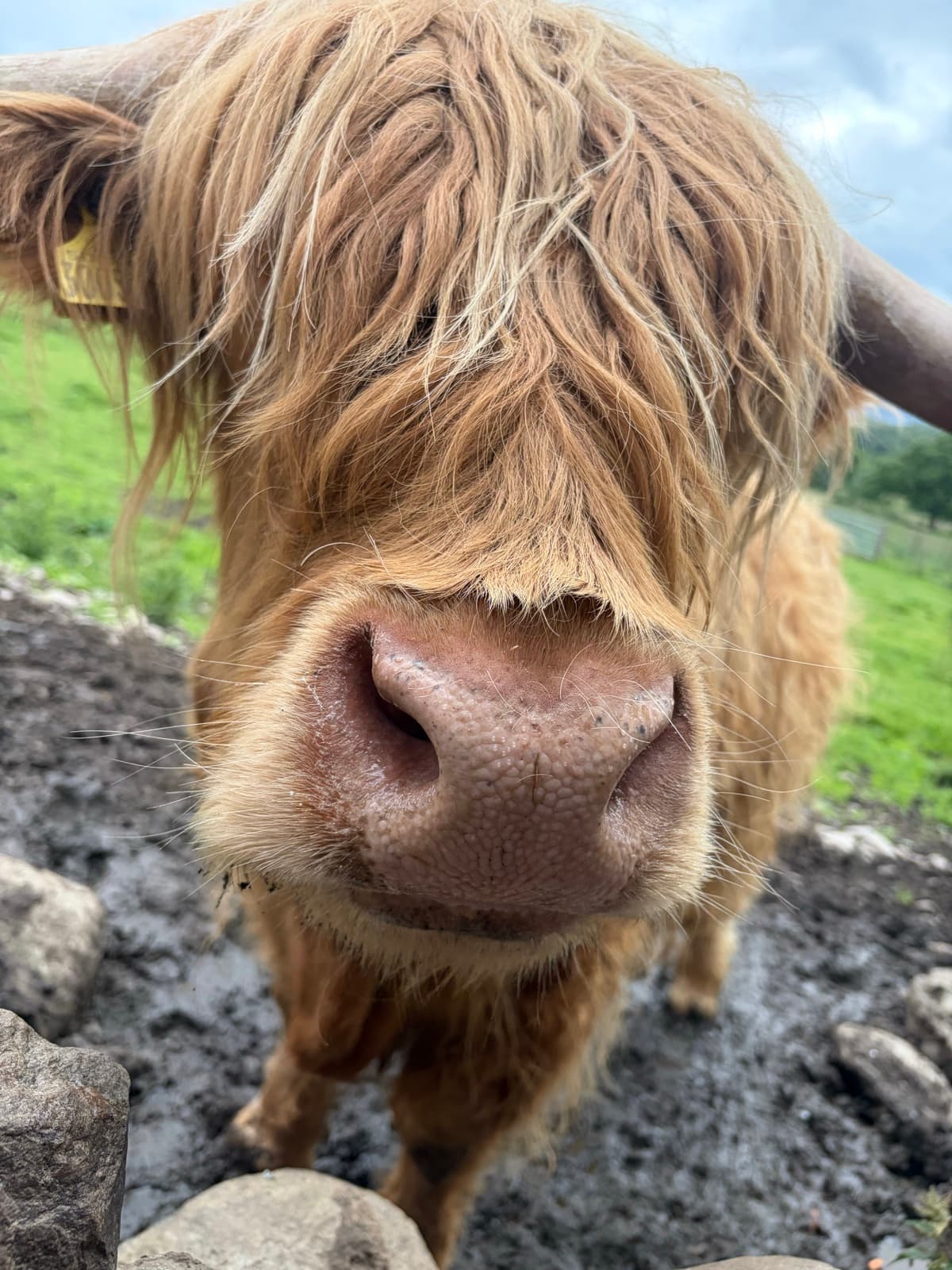
JPEG preview of highland cow HEIC test fileHEIC

Highland cow

Detailed previews and medium-size uploads

Dimensions
1200 x 1600
File size
349.8 KB
MIME type
image/heic
SHA-256
7e5c293c3a749c5dd2d429fe7a6d77f535c9c7d409b8bad014d5d543d5f73d18
curl -O https://crestconvert.com/test-files/heic/highland-cow-medium.heic
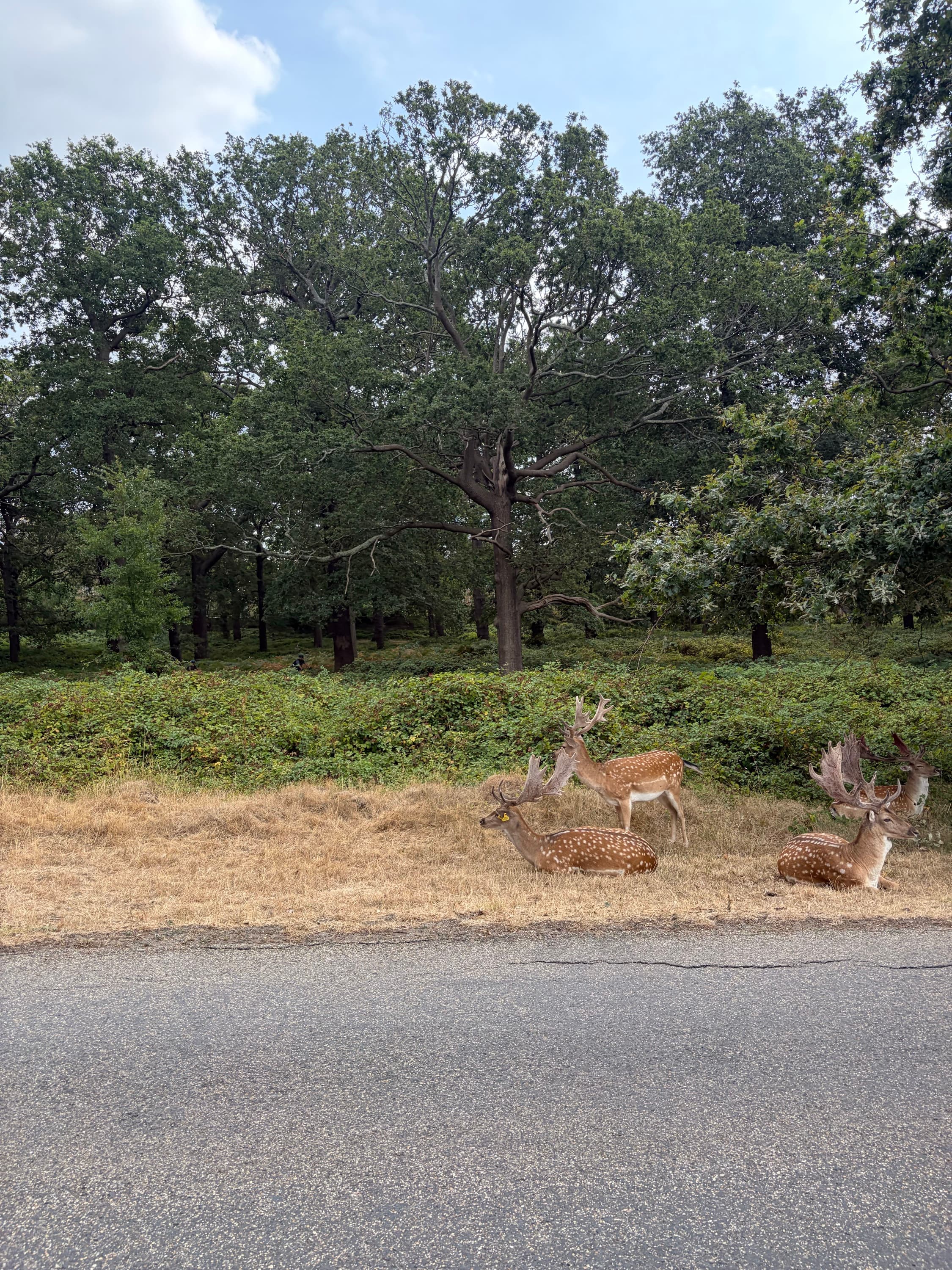
JPEG preview of deer in woodland HEIC test fileHEIC

Deer in woodland

Decoder performance and large uploads

Dimensions
2250 x 3000
File size
2.1 MB
MIME type
image/heic
SHA-256
bdaa4c5c020f9fa9a82bdf210350690ed083289b4e88edc116ee3dff17da8887
curl -O https://crestconvert.com/test-files/heic/woodland-deer-large.heic

More real-world HEIC camera samples

Five additional photographs provide varied textures, lighting, resolutions, and file sizes. Each was re-encoded through a pixel-only privacy pipeline before publication.

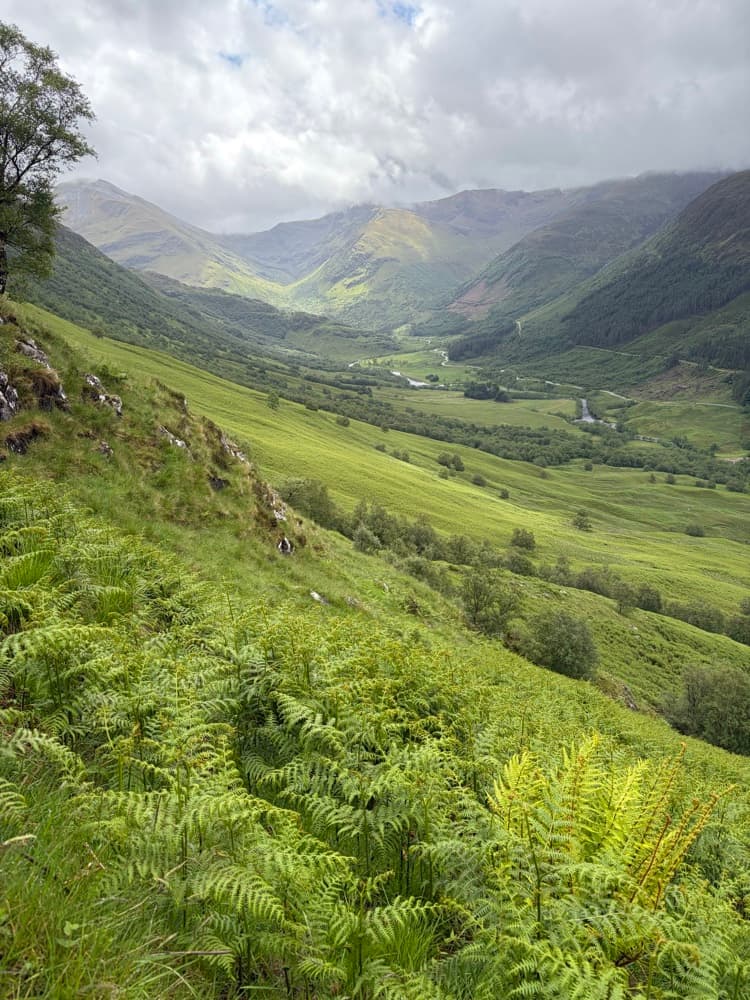
JPEG preview of the mountain valley HEIC sample

Mountain valley

Fine foliage, water, and natural gradients

750 x 1000 · 254.5 KB

SHA-256 checksum47a2c54f4247983d3077e1e64669283a09e735e524944d187f1666da11f60bea
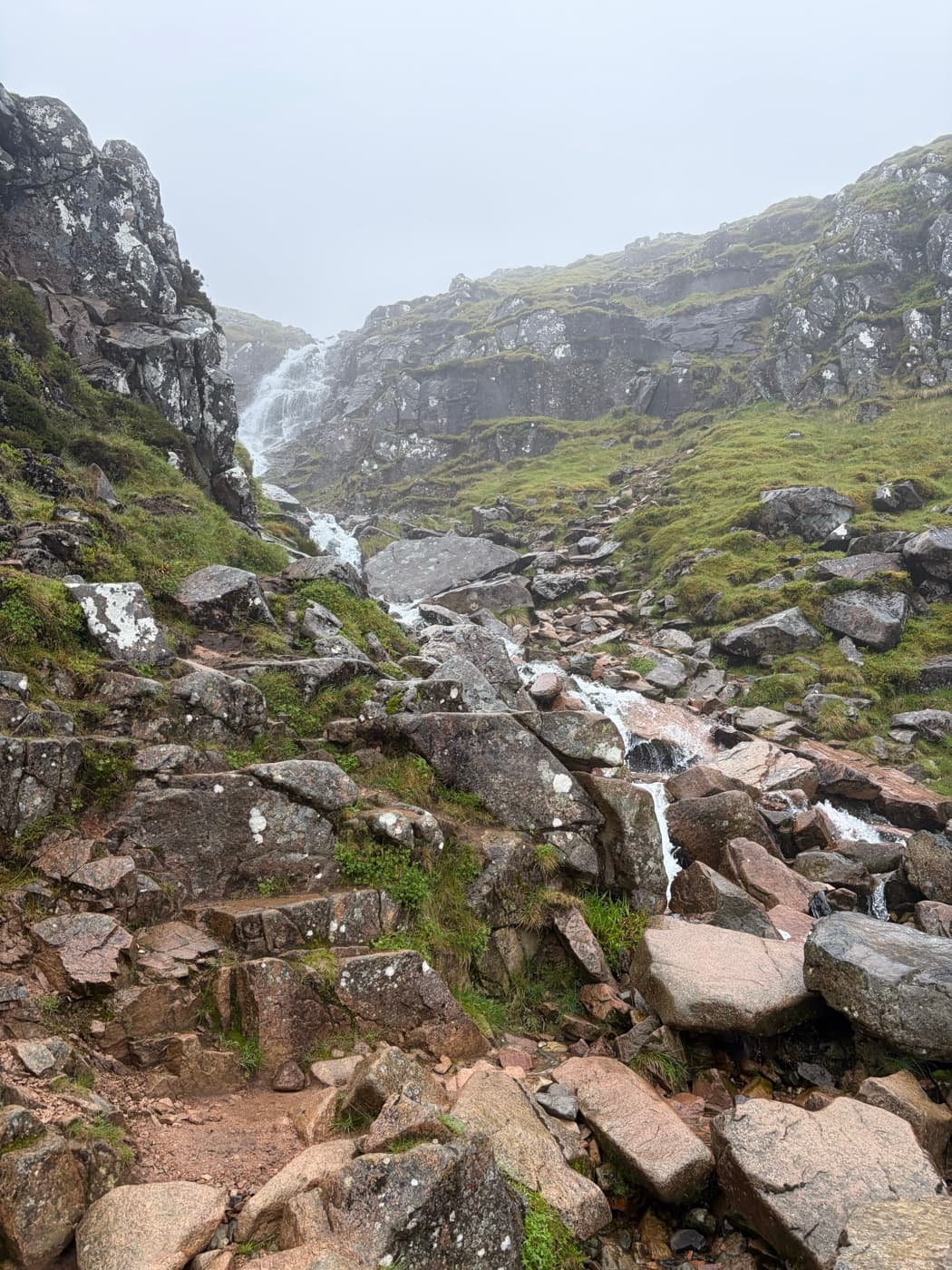
JPEG preview of the misty waterfall HEIC sample

Misty waterfall

Rock detail, mist, and moving water

1050 x 1400 · 502.9 KB

SHA-256 checksum4b2c61ca446a5fe8f0c85ff97bca873ba0bfb91d22d9ca7513ba618e7daf5e02
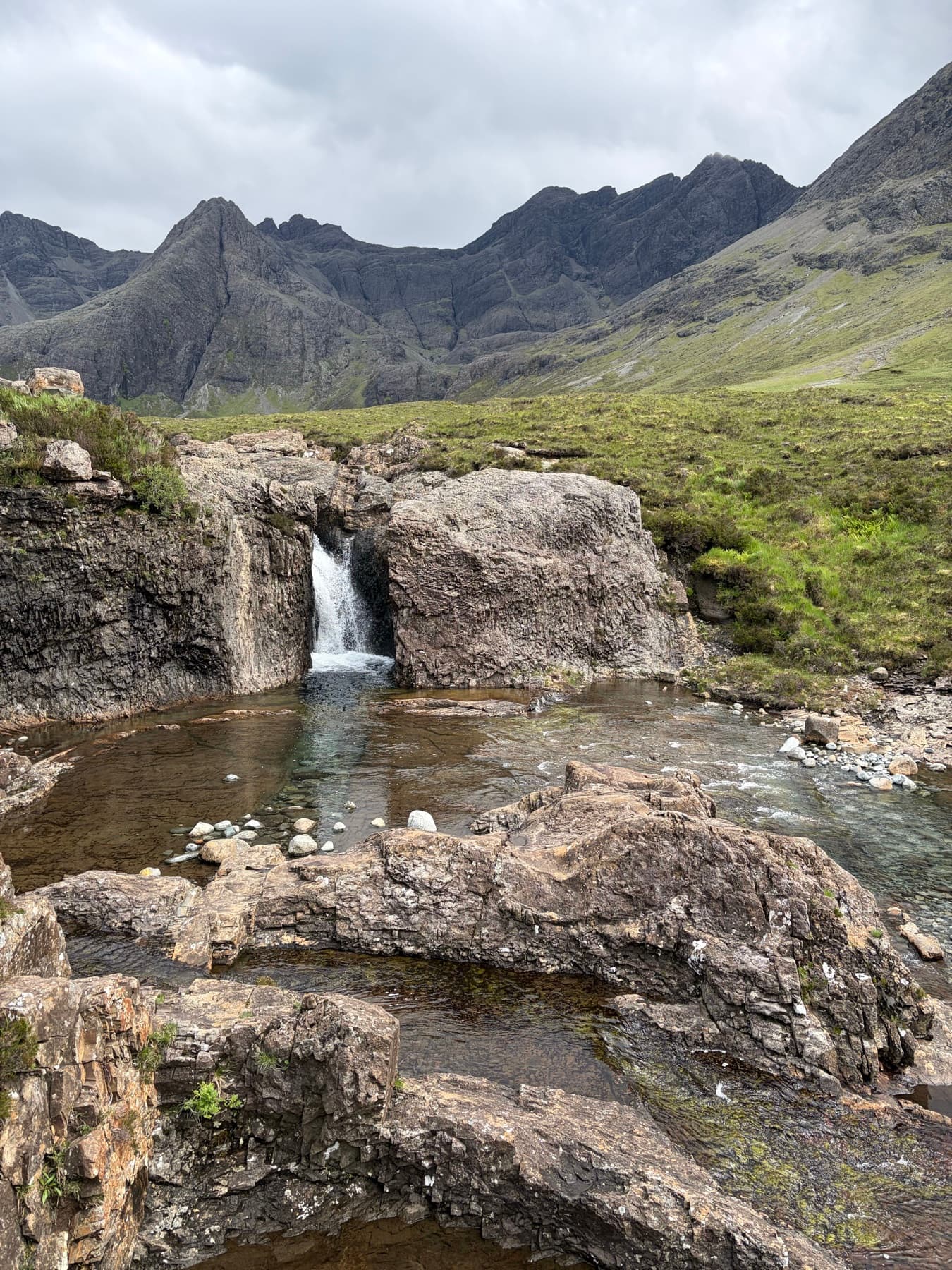
JPEG preview of the mountain pool HEIC sample

Mountain pool

Reflections, shadows, and rocky textures

1350 x 1800 · 876.6 KB

SHA-256 checksum8579c35bc9e59487b17d734798da10796ce67ef95d4d40d6189af12011097fec
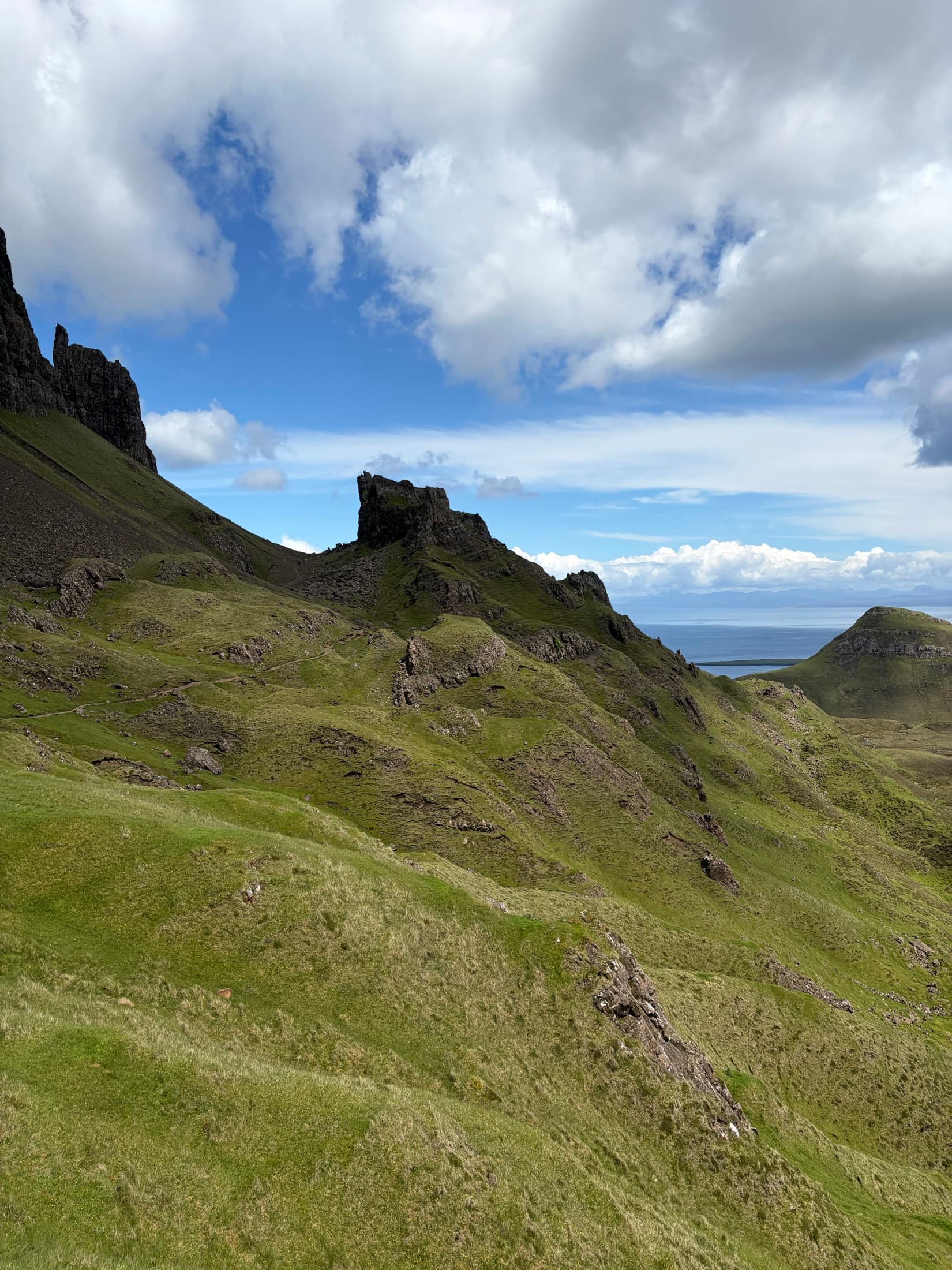
JPEG preview of the coastal mountains HEIC sample

Coastal mountains

Sky gradients and high-detail landscapes

1650 x 2200 · 899.2 KB

SHA-256 checksum77a903eae1316989785f45aee9fcfda47ed754c873acda63f2bff8fbf105cf91
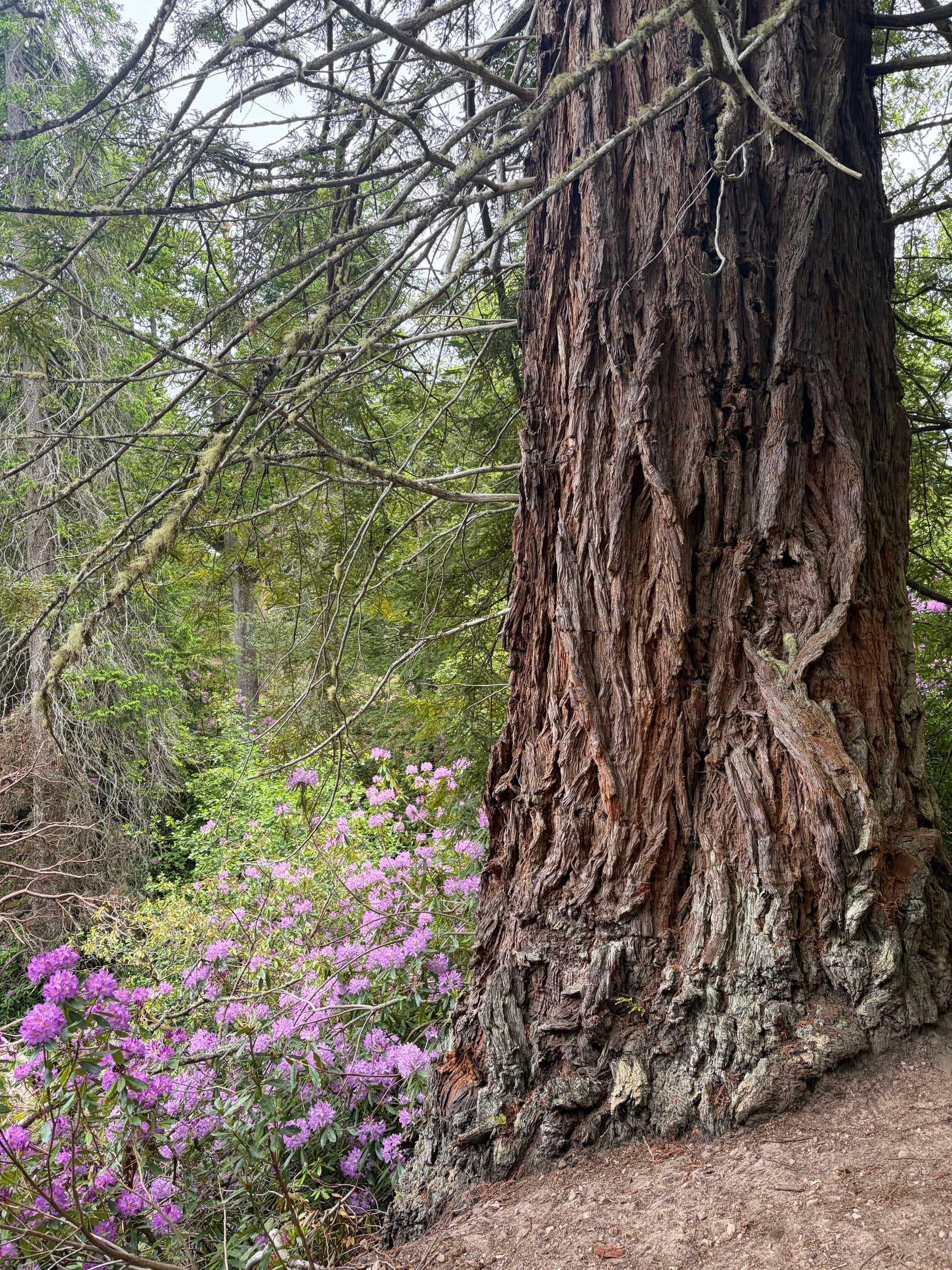
JPEG preview of the forest tree HEIC sample

Forest tree

Bark texture, flowers, and large-file decoding

1950 x 2600 · 1.9 MB

SHA-256 checksum9ac7b6393a5e5b8ea6d10123997093f9f4d8fecbe10f434a7eb7c9db8f150bb0

Additional HEIC test cases

Use these targeted variants for dimensions, compression, extension, and MIME edge cases without downloading another full-resolution photograph.

Test caseDimensionsSizeFormat / MIMEDownload

Square thumbnail

Avatar, thumbnail, and minimum-dimension tests

SHA-256: 81a08829b2fd34e7a4df373e7648f089a4004d2469aff7d8a35f69ccdb7cf061
256 x 25627.0 KBHEICimage/heicDownload

HD landscape

16:9 previews, responsive images, and HD pipelines

SHA-256: 9299f8f620a49ed7509d2694086cd399873e60abf8055481dfbb08392576ed94
1280 x 720299.6 KBHEICimage/heicDownload

Low-quality compression

Compression-artifact and low-bandwidth tests

SHA-256: c232f376ac96b559e74de0600c1be0eb2502695a454a08f361243390625143bf
600 x 8007.4 KBHEICimage/heicDownload

HEIF extension variant

Extension allowlists and image/heif MIME handling

SHA-256: 7e5c293c3a749c5dd2d429fe7a6d77f535c9c7d409b8bad014d5d543d5f73d18
1200 x 1600349.8 KBHEIFimage/heifDownload

Convert a sample HEIC file

Use JPG for a smaller, widely compatible photo. Use PNG when you need lossless output or a PNG-based testing workflow. Both converters process supported files locally on your device.

What to test

  • The file picker accepts .heic and the image/heic MIME type.
  • Your backend validates file contents instead of trusting the extension.
  • Portrait and landscape dimensions are preserved after conversion.
  • Unsupported browsers show a useful fallback instead of a broken preview.
  • Large uploads stay within your memory and processing limits.

For developers

Fix HEIC uploads in web apps

The open-source heic-upload-fix package accepts HEIC uploads and converts them into a browser-friendly format before your existing upload flow continues.

npm install heic-upload-fix
View the npm package

HEIC test-file specifications

Container
HEIF / ISO Base Media File Format
Codec profile
HEVC Main Still Picture
Extensions
.heic and .heif
MIME types
image/heic and image/heif
Metadata
GPS, capture time, and device removed
License
CC0 1.0, including commercial use

Why HEIC tests fail in browsers

A browser may allow a user to select a HEIC file without being able to decode or preview it. Support also varies by browser, operating system, and installed codecs. Test file selection, validation, decoding, conversion, and the final rendered output as separate steps.

Can I use these files commercially?

Yes. These original test assets are released under CC0 1.0. You can copy, modify, redistribute, and include them in commercial or open-source projects without attribution. The files are provided as-is without warranties.

Read the included license

What is the difference between HEIC and HEIF?

HEIF is the broader container format. HEIC commonly refers to a HEIF image encoded with HEVC. Upload systems should usually recognize both the .heic and .heif file extensions and validate the actual file contents rather than trusting either name.